
Please follow the below steps:
1. Navigate to Reports on the left navigation pane.
2. Click My Favorites tab.
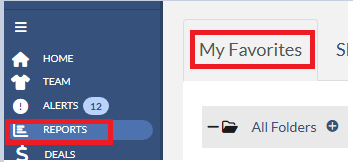
3. Click on the report name that you wish to modify. Note that the email icon in front of that the report indicates that a report is being emailed to yourself or shared recipients

4. Once the report is loaded, click on the yellow favorite star icon. The Favorite Report dialog will show.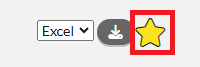
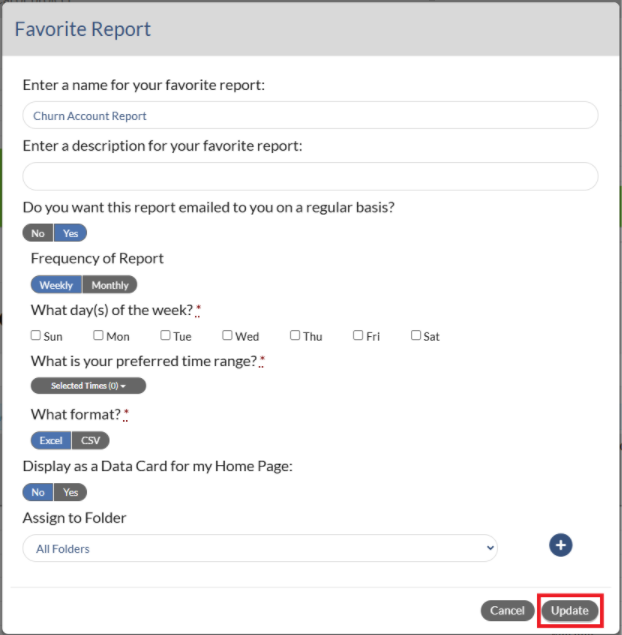
5. On Favorite Report dialog, change your settings, update your timing and click Update button.
Note: If you change your time zone it may take up to 24 hours before the change will be recognized by the scheduled reporting engine.
.