Matrix gives users the ability to submit product ideas and feedback directly through the platform. Using the Help & Feedback feature, you can suggest improvements, report requests, or vote on ideas already submitted by other users. Helping shape the future of the product.
The Help & Feedback button is located in the bottom-left corner of any Matrix page, just below Live Chat in the left navigation panel.
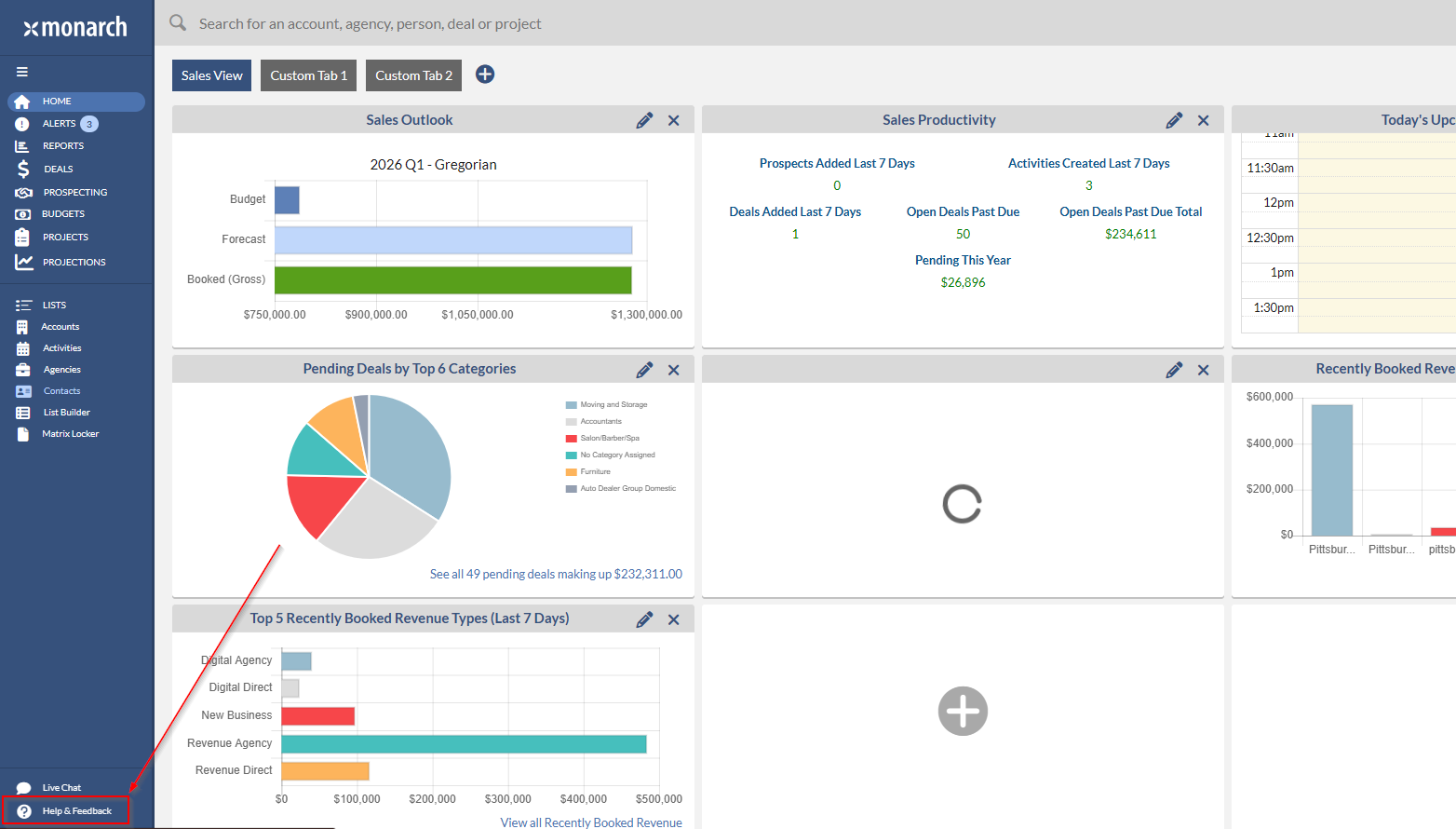
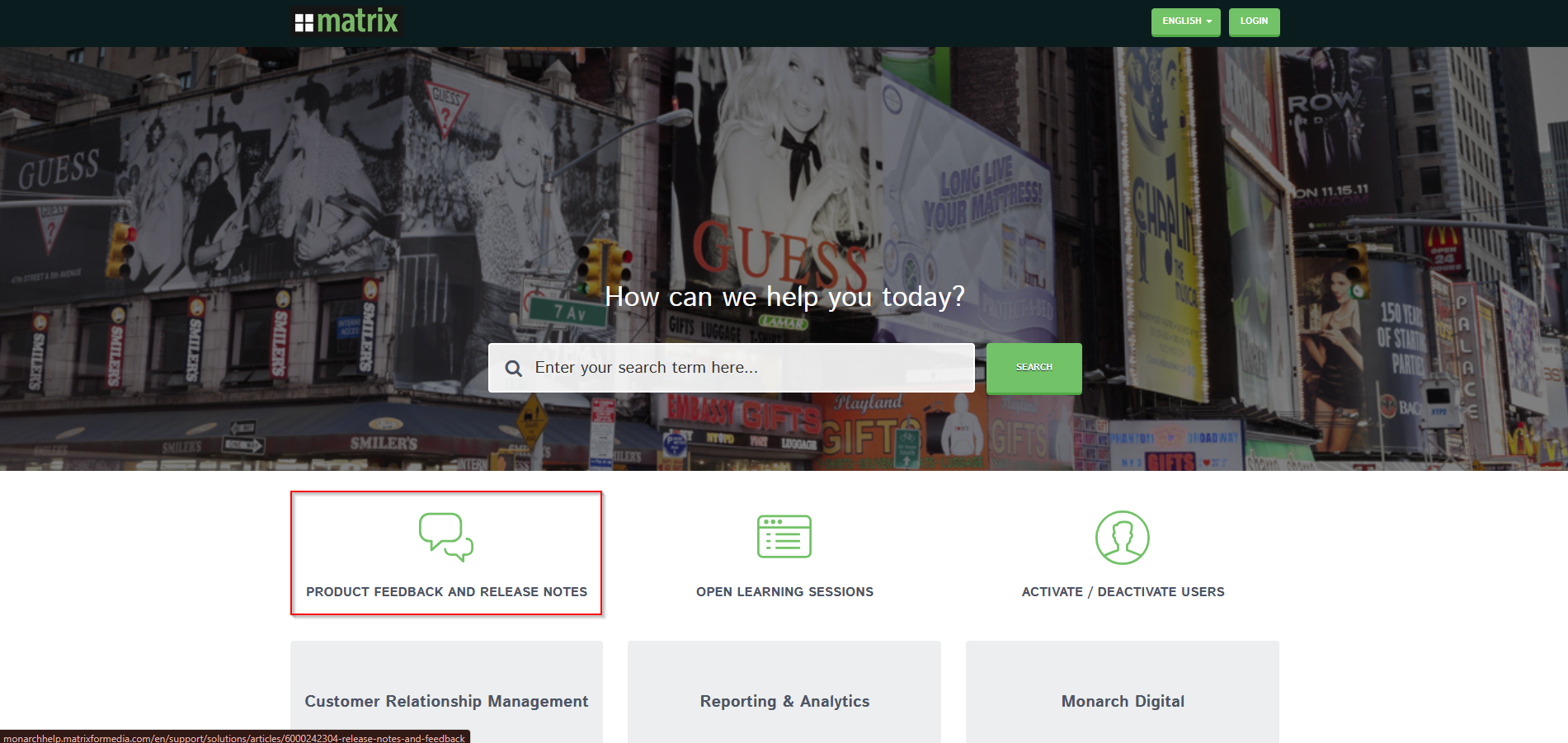
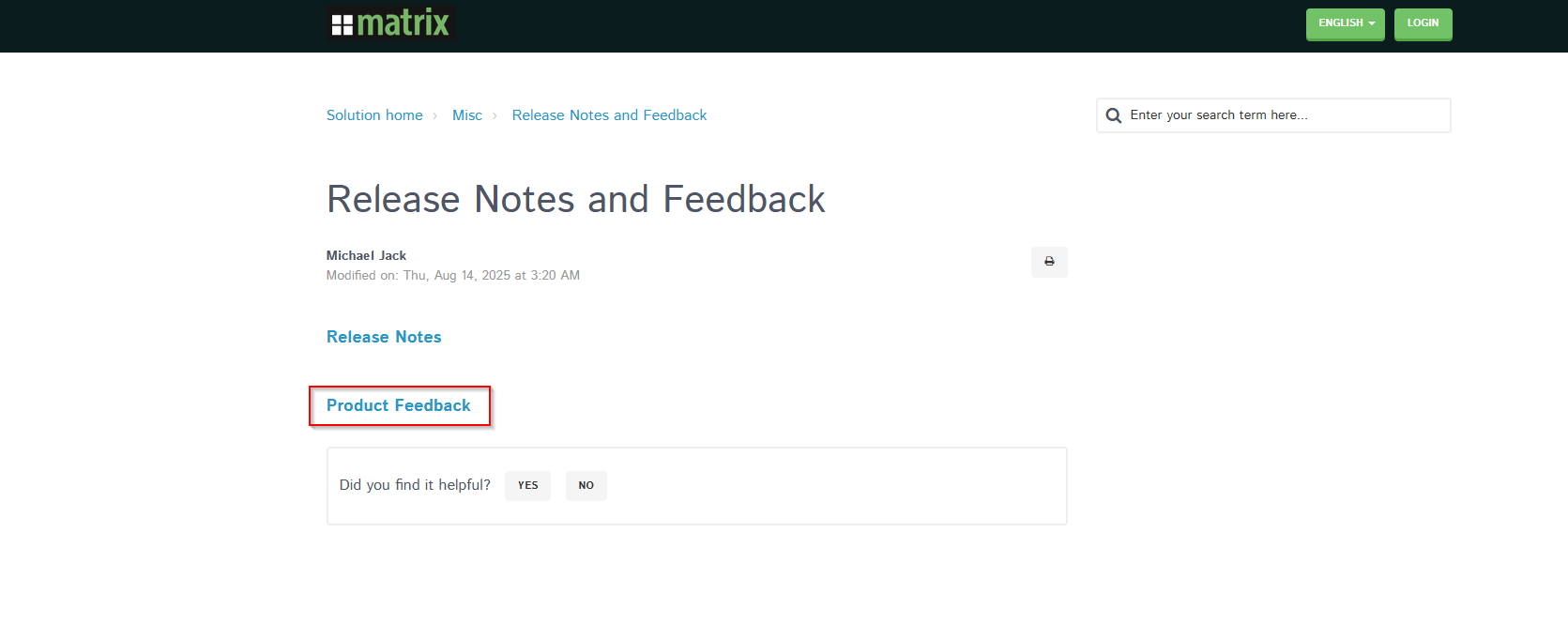
Click on Help & Feedback to open the Matrix Support & Feedback portal in a new browser tab.
SUBMITTING A NEW IDEA
Once on the feedback portal (matrix.uservoice.com), you will see the idea submission area at the top of the page.
Step 1 – Enter your idea title
In the "Enter your idea" field, type a short, descriptive title for your idea or request.

Step 2 – Check for existing ideas
After typing, the system will search for similar ideas. Two options will appear:
• Vote for an existing idea (#) – If your idea already exists, you can vote for it to increase its priority.
• Post a new idea... – If no matching idea exists, click this button to continue submitting a new one.

Note: Before posting a new idea, check if a similar one already exists and vote for it instead, to consolidate feedback.
Step 3 – Fill out the idea form
After clicking Post a new idea..., a form will expand with the following fields:
• Idea title – Pre-filled with your text from Step 1. Edit as needed.
• Category – Use the dropdown to select the category that best fits your idea (e.g., Accounts, Activities, Reports, Deals, etc.).
• Describe your idea (optional) – Provide additional context, use cases, or details to help the Matrix team understand your request.
• Drop or click to upload files – Optionally attach a screenshot or supporting file to illustrate your idea.

Step 4 – Sign in and post
To submit your idea, sign in using one of the options provided:
• Facebook or Google – Click the corresponding button to sign in with your social account.
• Email & Password – Enter your email address and password. If you are new to the portal, click Create an account.
Once signed in, click the Post idea button to submit your feedback.
VOTING ON EXISTING IDEAS
If you find that an idea similar to yours has already been submitted, show your support by clicking the Vote button on the left side of that idea's card. You can also indicate how important the idea is to you by selecting Not at all, Important, or Critical below each idea.
NOTES
• You can view your previously submitted ideas by clicking My feedback in the right sidebar of the feedback portal.
• Ideas are categorized by: Accounts, Activities, Agencies, Alerts, Budgets, Contacts, Custom Reporting, Deals, General UI, Maintenance, Pods, Reports, Sales Intelligence, and Security.

Tip: This article focuses on submitting new ideas. If you need to chat with support directly, use the Live Chat button located just above Help & Feedback