Users who have Local User Maintenance can edit their email or have a manager with Local User Maintenance edit their email within in Matrix. To do so:
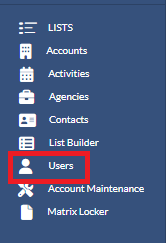
1. Click Users under your LISTS section
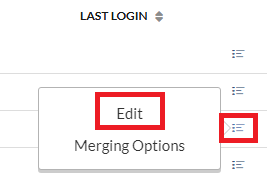
2. Click the menu icon to the right of the user whose email you wish to change and select Edit.