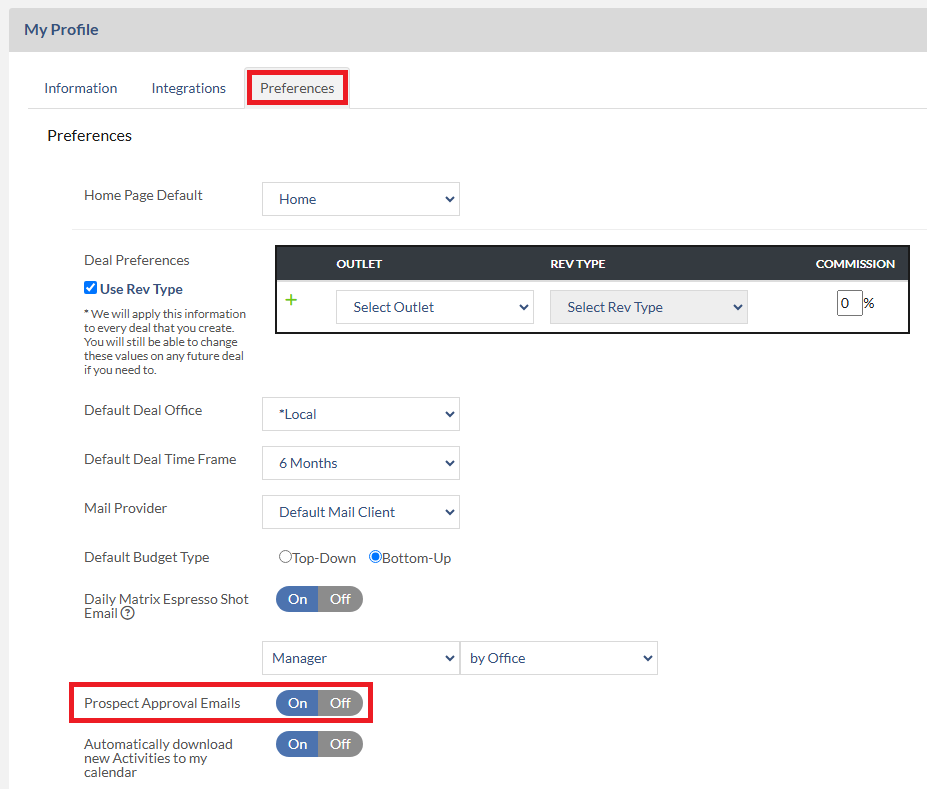
You can receive an email notice when an AE has submitted a Lead account to you for approval by turning the “Prospect Approval Email” switch to “On”. To do so, please follow the steps below:
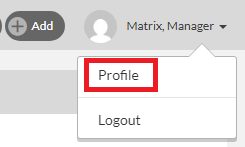
1. Click your name at the top right and select Profile.
2. Click the Preferences tab.
3. Set the Prospect Approval Emails setting to On.