View Budget Change Logs
This function allows you to see who edited the budget, when the budget was edited, and other details.
To access the Budget Change Logs, please follow the below steps:
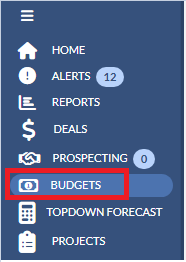
1. Navigate to Budgets from the left navigation pane.
2. Click the Year drop down on the upper right hand corner and select the budget year that you would like to access.

3. Click on the menu next to the budget template name on the right and select View budget change logs.

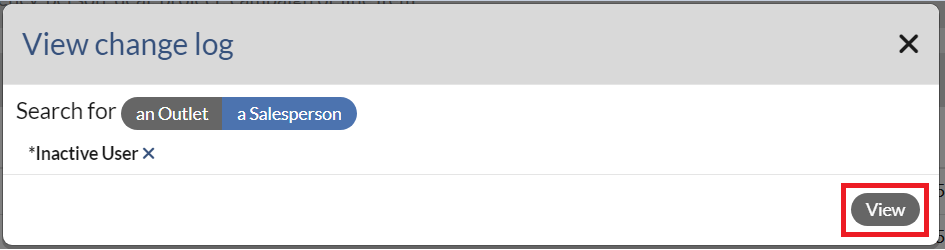
4. After you select View budget change logs, the below window will display.
- If you would like to search logs by an outlet, click an Outlet tab, type in an outlet name in the search box and select an outlet from the pop-up list.
- If you would like to search the logs by a Salesperson, click a Salesperson tab, type in the name and select an Salesperson name from the pop-up list. Note that a Salesperson tab is only available for a manager.

5. Once you select the name from the pop - up list, click View button. Then the Budget Change log page will display.
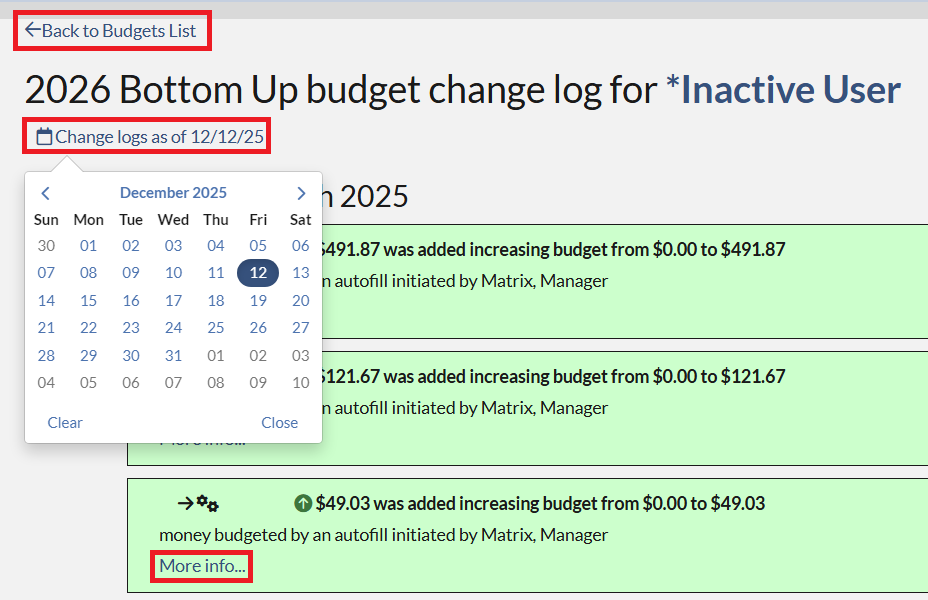
 6. On the Budget Change log page, you may click the following:
- Back to Budget list - click this if you would like to return to the Budgets List page.
- Change logs as of Date - click this if you would like to change the date. The logs will display the changes since this selected date.
- More info...- click this if you would like to view the detail of the change.
Note that Green shows budget increases and Red shows decreases.