You can assign a Priority to an account when initially creating the account or you can always edit or add the priority later by editing the Account. The following steps outline how to edit the Account. Note that the definitions of each different priority are defined by management, please check with management if you are unsure of what a particular priority is defined as.
You can update the Priority through the Account profile or Account list page.
Account Profile
When editing the Priority on the Account profile, the priority can be assigned to ONE account at a time. Please follow the steps below.
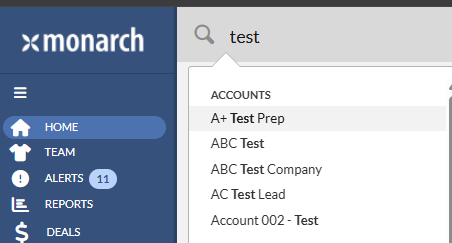
1. Type in the account name in the global search and click on the account name in the pop-up list. This will take you to the account profile.
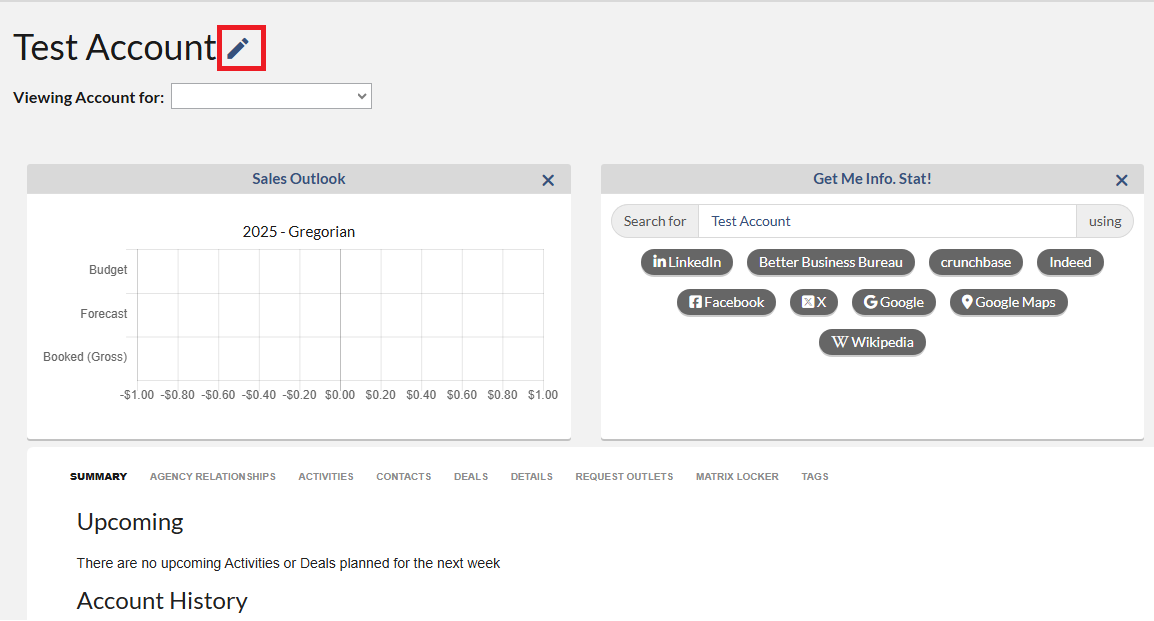
2. On the Account Profile screen, click on the “Edit” pencil icon. The Edit the Account dialog box will display.
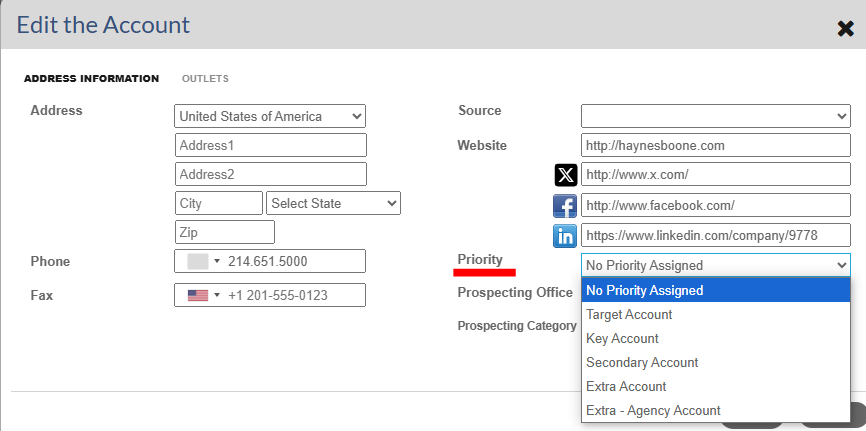
3. Select Priority from the drop-down and click the “Save” button.
Account ist
When editing the Priority on the Account List page, the Priority can be assigned to ONE or MULTIPLE accounts at a time. Please follow the steps below.
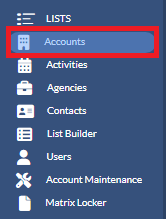
1. Click on Accounts from the left navigation pane.
2. Type the account name in the Search box to locate the Account you want to assign the Priority to.

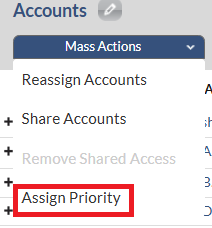
3. Add a checkmark in front of the account(s) to which you wish to assign the Priority and click on the Mass Actions button. 
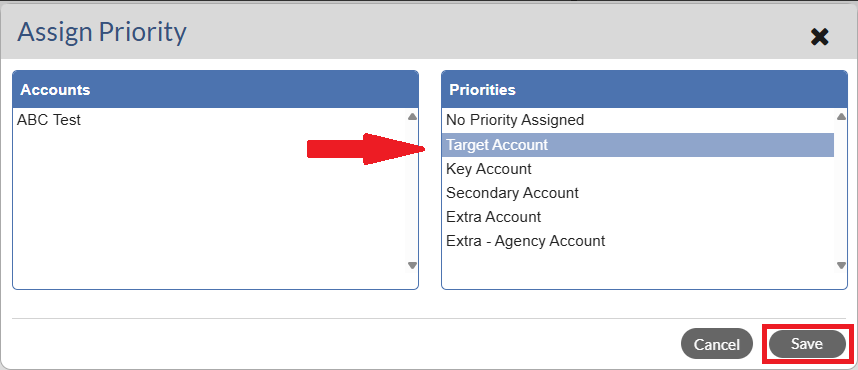
4. Select Assign Priority. The Assign Priority dialog box will display.
5. Under the Priorities section, click the Priority that you wish to assign to the account(s). Then click the Save button.