To access the Agency Profile, enter the Agency name in the global search and then click the Agency name in the pop-up
list. The Agency profile will display.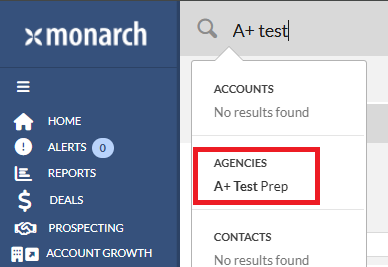
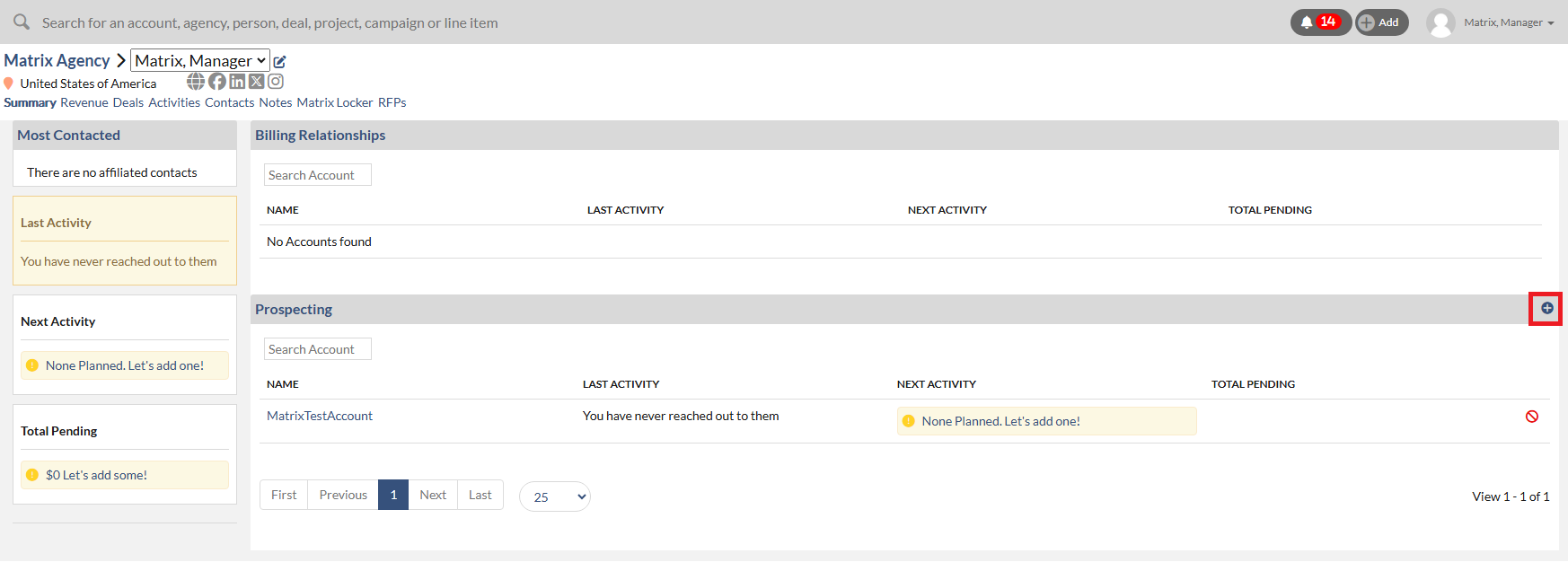
In the Agency Profile Page, you can define a new relationship between an Agency and any Account that you currently own
or a new Account that you need to create by clicking on the “+” icon in the upper right of the Prospecting section.
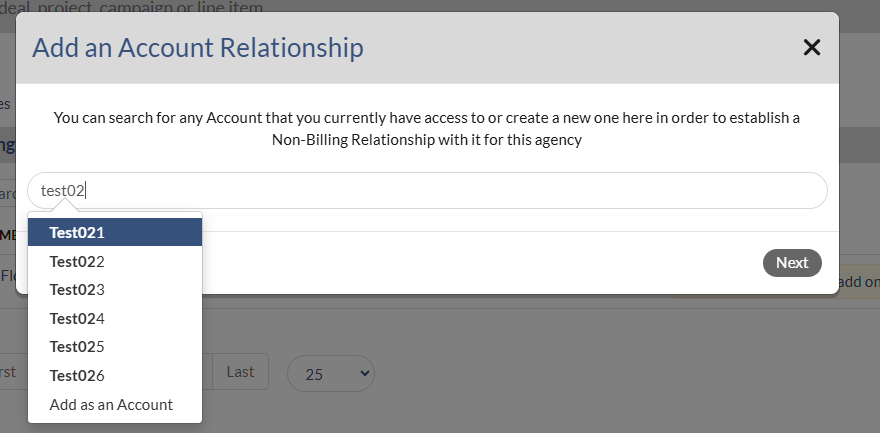
 Type in the name of an account and if it exists, select it from the search results and click the Save button. It will add the
new relationship to the list momentarily. If it doesn't exist and you would like to create a new account, select the option to
Add as an Account.