
On any Deal profile, new options will exist to fill in values for TMS under the Details section. To access the Deal profile, please type in the Deal name on the global search and then click the Deal name under OPEN DEALS section. The Deal profile will display.

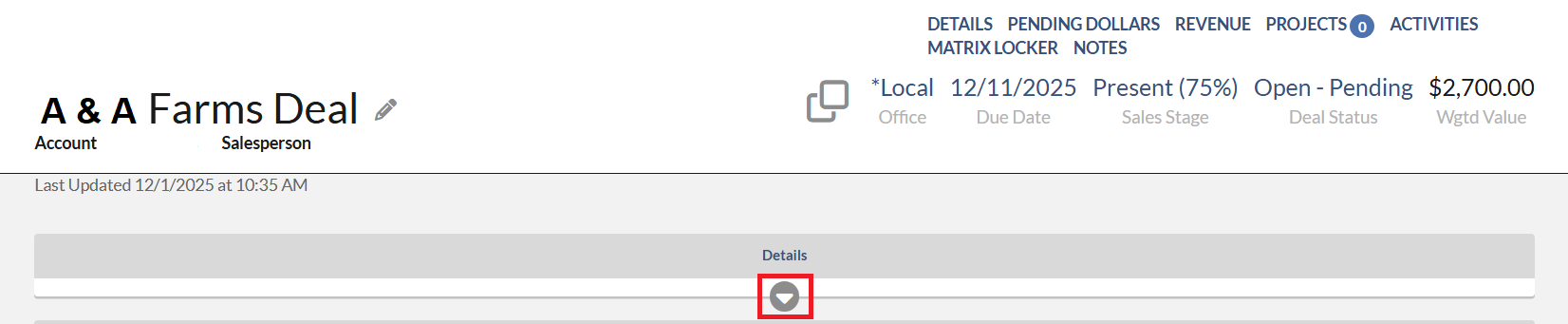
On the Deal profile, on the Details section, you should see the TMS SUPPORT on the left. However, if you don't see it, you may need to click white triangle under the word "Details" to expand.
- TMS Support section with the ability to put the Resource and the TMS Library item used if applicable.
- Note how the default is nothing selected.
- Options will include "None" which must be selected by a salesperson to note that no TMS Support was used as part of this deal. This will report separately from nothing being selected.
- If None or TMS Strategist are selected, a TMS Library option is not available to select.
- If a value with TMS Library is selected, then the user must choose from the multi-select TMS Library options.

Note - A user cannot attribute individual rows to TMS or set different library values per row.