
Please follow the below instruction:
1. Navigate to Reports on the left navigation pane.
2. Click My Favorites tab.
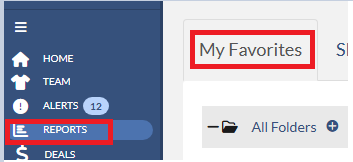
3. on My Favorites page, click the menu icon on the right of the report that you wish to update and then select Share.

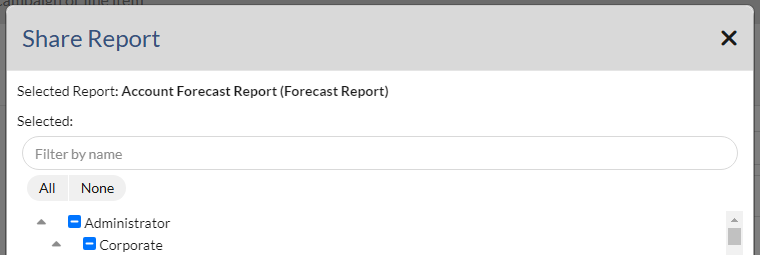
4. The share report dialog will display. Please uncheck the checkbox in front of salesperson name whom you wish to remove or check the checkedbox in front of salesperson name whom you wish to add to the share report.
5. Click Save button once you are done updating.