
In Matrix, the Deal is your opportunity, or revenue target, with a buyer. Whether it’s a plan for an upcoming pitch, or a proposal nearing a signature, a Deal offers the ability to accurately update your pipeline with any business currently on the table.
To Get Started:
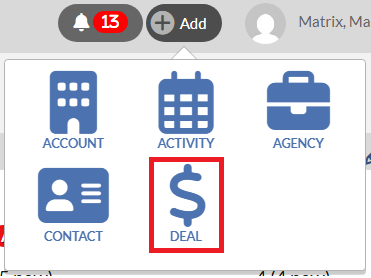
1) Click on the Add button at the top right of your screen.

2) Select Deal.
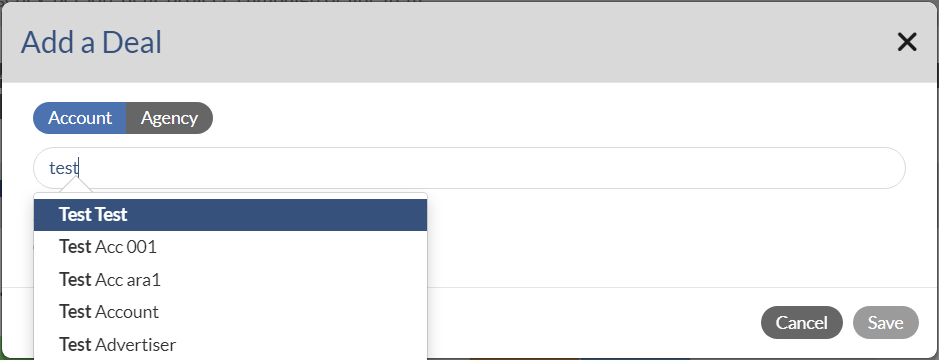
3) Type in the Account name in the search field and select the name from the pop-up list.
Note that if it is a Lead Account, your name will not show up on the Salesperson drop-down menu as shown in the below screen. You can ONLY add a Deal to either a Prospect or Billing Account, NOT a Lead Account. For a Lead Account, you must submit it to your manager for approval. After a Lead gets approved, it will become a Prospect. Then you can add a Deal. Please click here to view the instruction on how to submit a Lead Account to your manager.
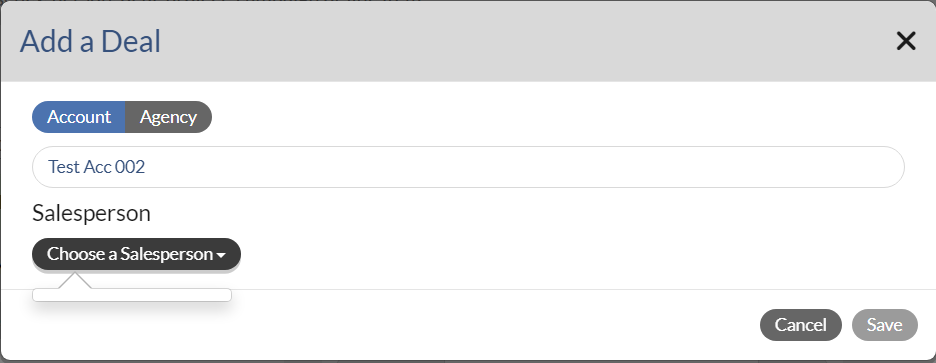
4) Click Save. This will take you to the Deal Profile page.
To quickly set up a deal profile, we highly suggest following the steps below:
1. In Details section, select the Month, Year and Duration for which you would like to add the pending amount.
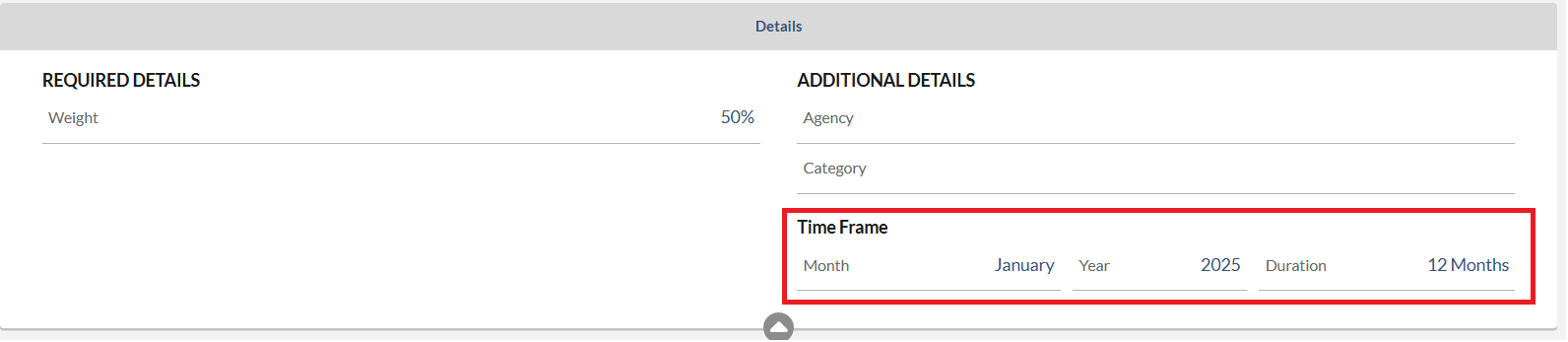
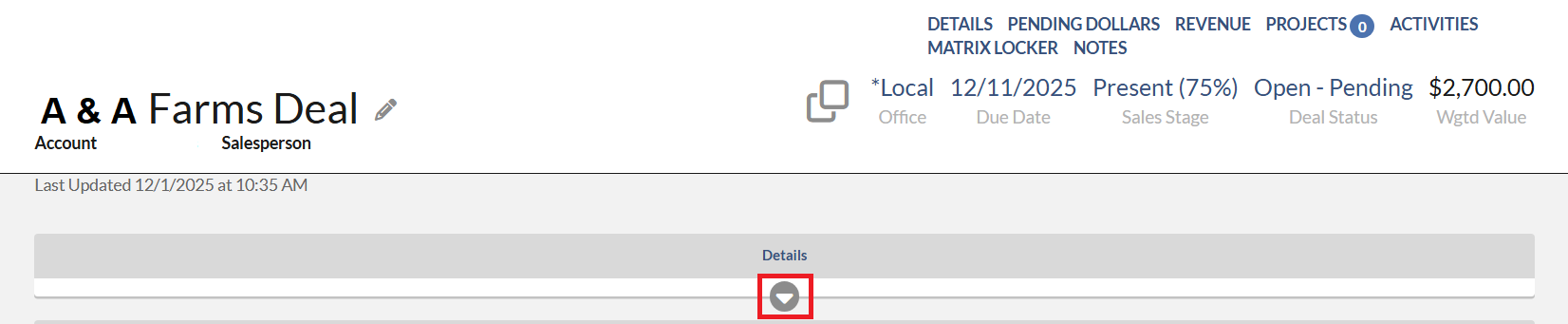
Note that if you don't see the Timeframe in the Details section, you may need to click the white triangle under the word "Details" to expand the Details section before you can adjust the timeframe.
2. Click (+) Add Row to add a deal detail row.
 3. Click into the Outlet field to select the outlet. Also, click into the Rev type field to select the Rev type. Then add the pending numbers.
Notes:
- If you don't want to set up a Deal Profile every time you add a deal, we suggest setting up Deal Preferences.
- If you would like to add deals into multiple accounts, we suggest using a Quick Deal functionality in the Sales Outlook. Please view this article for the instructions: Monarch - Quick Deal - How to Add or Edit
- To learn more about Deal Profile, please view this article: Monarch - Deal Profile Overview