
Most deals do not happen on their own. They take human interaction to close out and build a relationship with the buyer over time. To increase the adoption of the CRM aspects of Monarch and make it easier for a seller to reach out to the buyer, new requirements can be added to Deals that enforce address and contact information be part of a deal so that there is less reason to not reach out to the buyer in order to discuss updates on the deal.
When the First Sales Stage is Enforced for Accounts and Agencies
If the admin configures the Accounts and Agencies part of the feature to be enforced at the first Sales Stage, then every new deal created will be reviewed before being saved to ensure the Account or Agency has appropriate address and contact information. In the attached example,
- The user creates the deal for the Newbies Shoes account by clicking the (+) Add and selecting Deal.
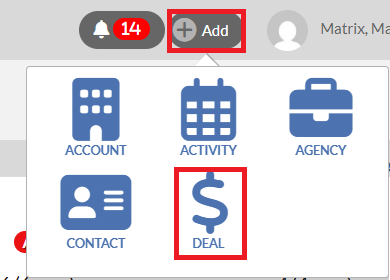
- Then, the user typing the Account name on the Add a Deal dialog, selects the Account name from the pop-up list, selects the salesperson from the drop down and clicks the Save button. However, the Account's address doesn't have the City or State filled out. This results in an error message when trying to create the deal alerting the user to the specific fields that are missing and providing a quick link back to the profile page where that information can be added. The same experience applies to Agency deals as well.

- To fill out the missing address on the Account or Agency, please click the Account or Agency name on the error message that appears on the Add a Deal dialog. This will bring up the Account or Agency profile.
- On the Account or Agency profile, click the small pencil icon next to the Account or Agency name. This will bring up the Edit the Account/Agency dialog
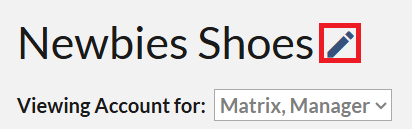
- On the Edit the Account or Agency dialog, please make sure the Country, Address1, City, State, and Zip fields are filled, then click the Save button.
Note that quick Deals follow a similar workflow and will also display the same error message when trying to create the quick deal without having the required address information. For example, you try to add a quick deal on the Sales Outlook data card on a Salesperson profile page while viewing the Account or Agency views by clicking on on the gray “$” icon.
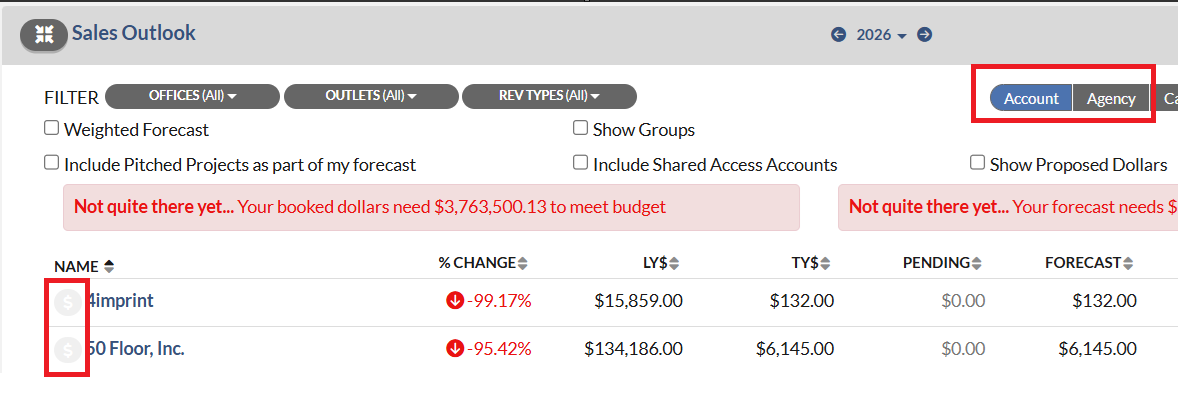 On the Deal Quick Add dialog, after you fill out all the necessary information and click the Save button, an error message displays at the top if the Account or Agency is missing address or contact information. For example, if you are only missing the City, the message will specify that the City is missing, making it easier to know exactly what is expected of you to create this deal. To correct the error, you can simple click the Account or Agency name on the error message to bring up the Account or Agency profile, then click the pencil icon next to Account or Agency name and fill out the missing information.

When a Later Sales Stage is Enforced for Accounts and Agencies
Similar to the deal creation workflow, when a Sales Stage 2 or later is enforced for Accounts and Agencies, Monarch will check that proper address information exists for the Account and/or Agency on the deal. If the deal does not have the required information, you will receive error messages when trying to enter that Sales Stage. This can happen from locations like the Deal Profile, Quick Deal, and on the Grid View on the Deals Landing Page.
Please see these examples:
Error message when editing the Sales Stage on the Deal Profile and only the Account is missing information

Error message when editing the Sales Stage on the Grid View of the Deals Page and only the Account is missing information
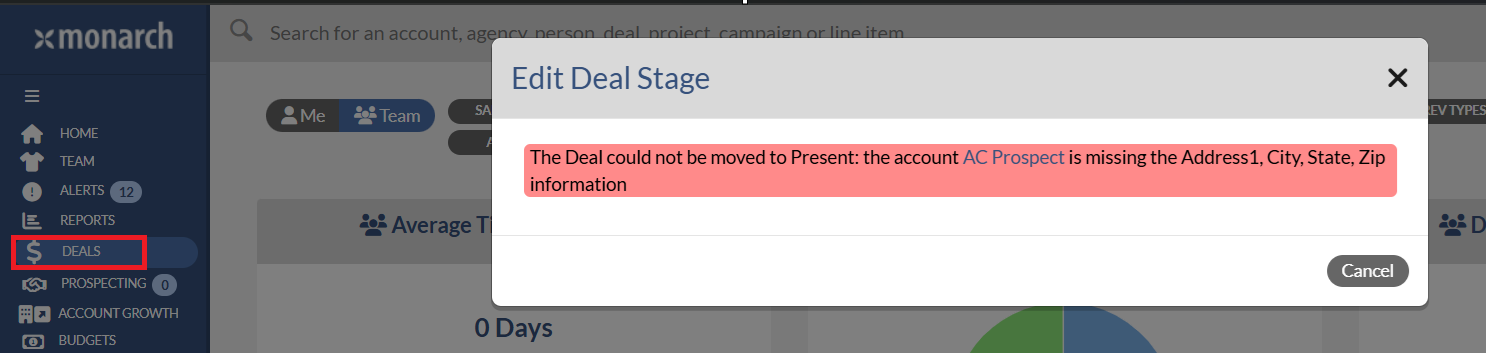
Error message when editing the Sales Stage on the Quick Deal and only Account is missing information in this example.
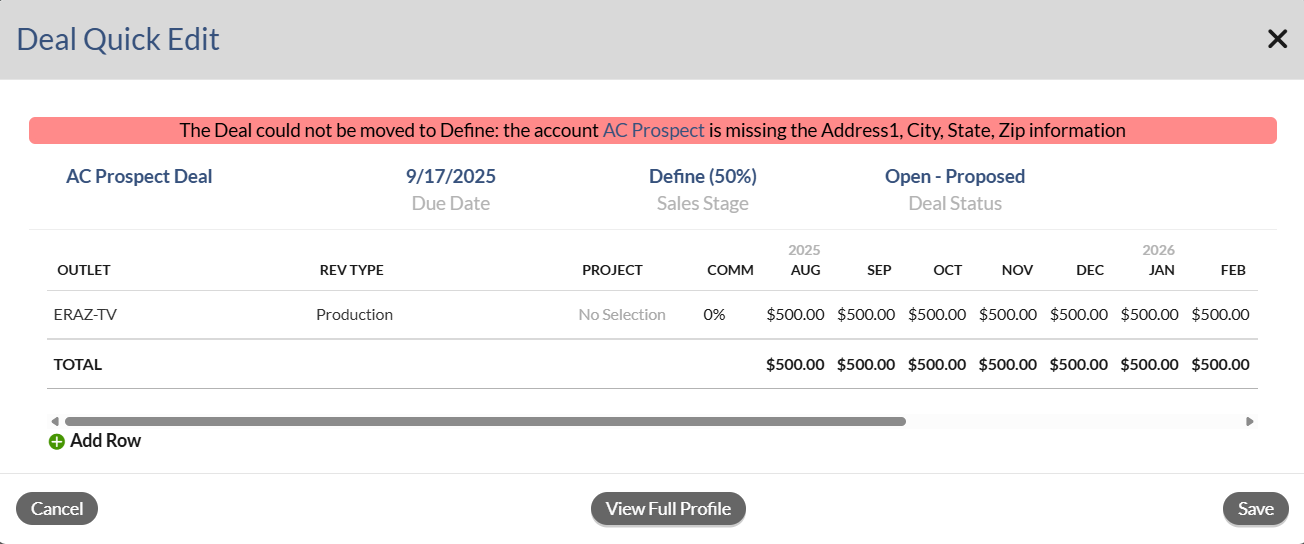
It is possible for a deal to exist in an enforced stage or later and not have the necessary address information for the Account and/or Agency. This will be most common when the feature is first enabled as we will not retroactively change any deals and we will only validate information on Sales Stage changes on the deal. These deals will continue to exist in the stage they are in. However, if you were to try to advance the stage you will get an error message that it cannot be updated without appropriate information.
Note that if you are in an enforced stage and want to add the missing Account or Agency (for example I entered Sales Stage 2 with a valid Account and now I want to add an Agency) then the missing item must now have the required address information too or it cannot be added.
Like the messages on deal creation, the errors are dynamic. If you are only missing the City, for example, then you will only be told the City is missing. This makes it faster and more precise to know exactly what fields are required of you in order to advance a deal to the next Sales Stage.